
Sourcing Guide
How to Build One PO for Cameras, NVRs, HDDs and Monitors
Splitting a project across several suppliers multiplies shipping, documentation and compatibility risk.
← All Insights
Splitting a project across several suppliers multiplies shipping, documentation and compatibility risk.
← All Insights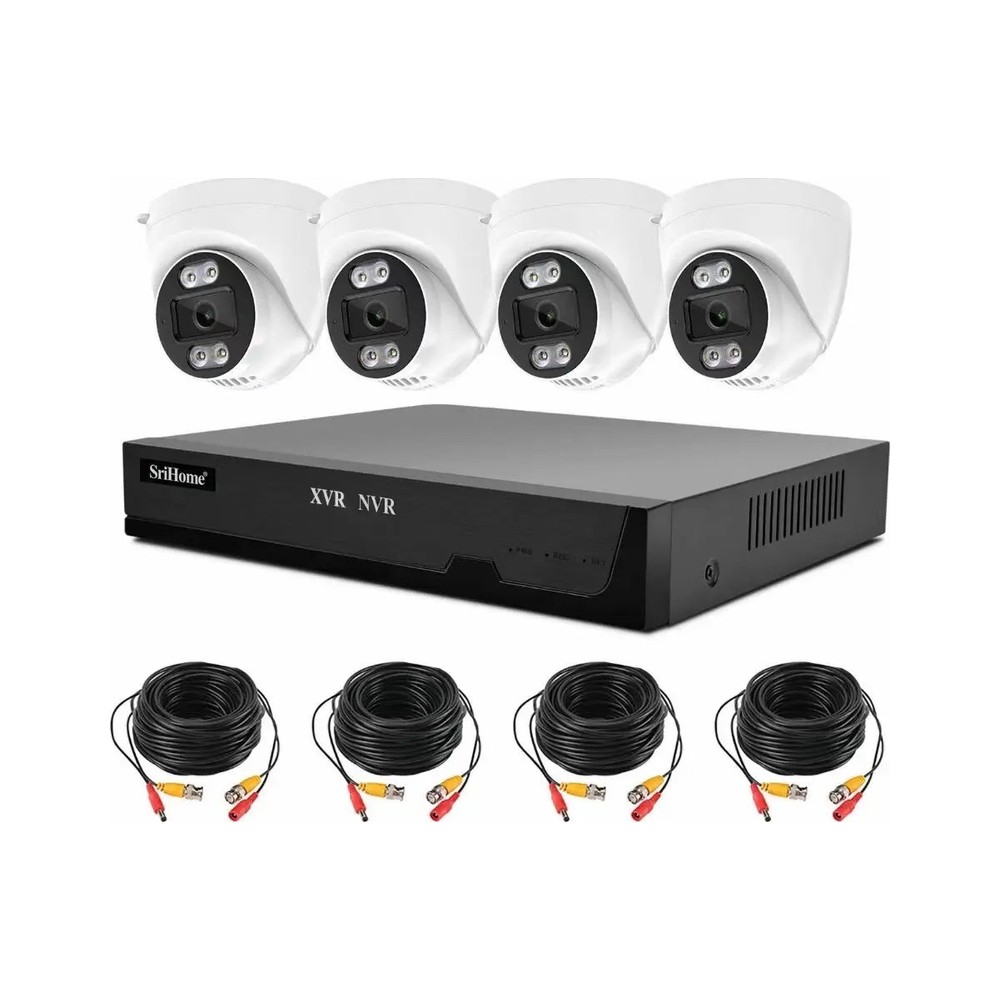
When cameras, a recorder, drives and monitors come from different suppliers, each arrives on its own schedule with its own packing list. Receiving teams must reconcile several shipments, and any compatibility problem surfaces only after everything is on site.
When cameras, a recorder, drives and monitors come from different suppliers, each arrives on its own schedule with its own packing list. Receiving teams must reconcile several shipments, and any compatibility problem surfaces only after everything is on site.
A single purchase order with consolidated packing simplifies customs, reduces freight handling and gives one point of accountability.
Start with the cameras and recording policy, because they determine channel count and storage. Then size the NVR and drives. Add monitors and accessories last, once the core system is fixed. This order prevents over-buying storage or a recorder with the wrong input type.
List each line with quantity, model, and any substitution options so the quote stays workable if stock changes.
Confirm signal format, recorder inputs, PoE budget and monitor inputs as a single system. A mixed BOM is only useful if the pieces work together. Ask the supplier to check the bundle before it ships and to label items clearly for installation.
Equals can assemble a mixed-line bill of materials and check compatibility across cameras, NVRs, drives and displays.
Send your requirement to Equals and we will return a scoped recommendation with an FOB indication within one business day.
Request a Quote Chat on WhatsApp