
Sourcing Guide
GPU Sourcing for Workstations and AI: An Integrator's Checklist
Higher VRAM is not automatically the right buy. Match the card to the workload, the chassis and the power budget before you commit.
← All Insights
Higher VRAM is not automatically the right buy. Match the card to the workload, the chassis and the power budget before you commit.
← All Insights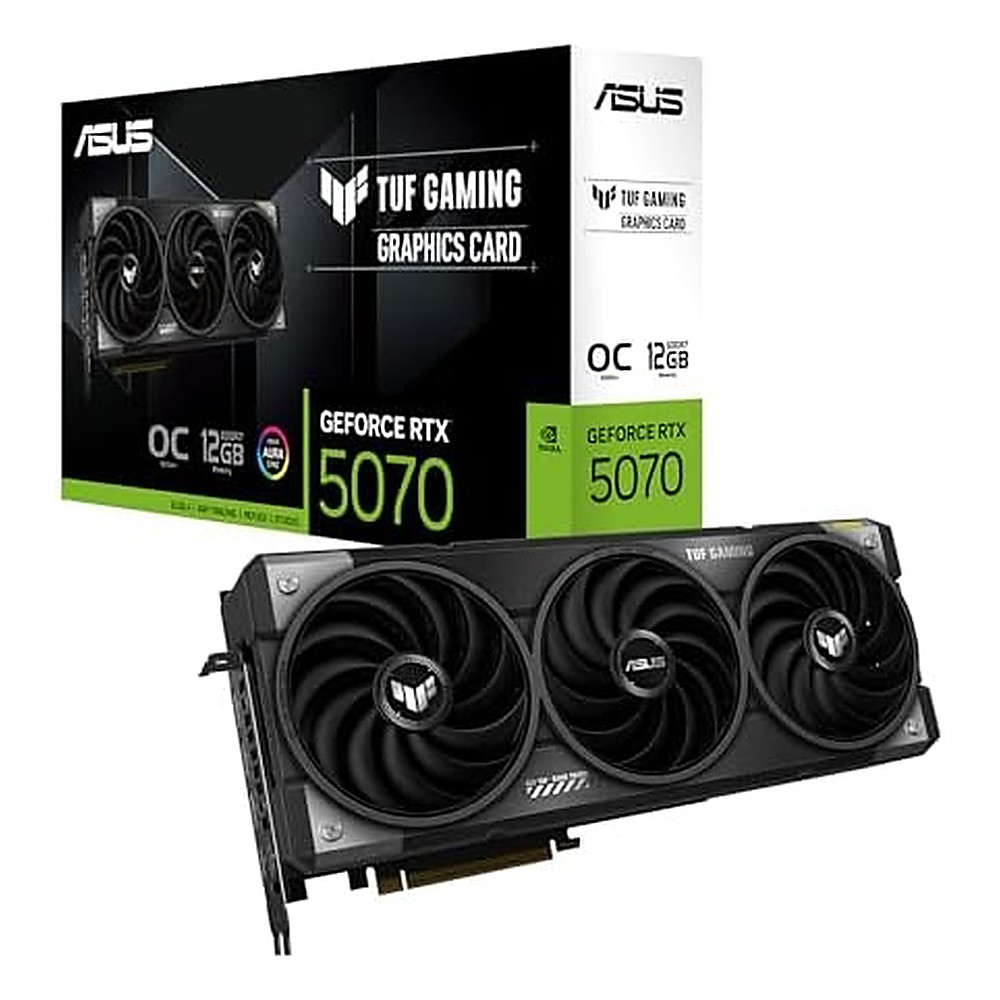
Graphics cards are sourced for very different jobs — AI inference, CAD and simulation, video production, or general workstation acceleration. The right choice depends as much on the system around the card as on the card itself.
VRAM, memory bandwidth and compute are the three figures that matter most, and their priority changes by workload. Larger models and high-resolution rendering are usually VRAM-bound; many inference and graphics tasks respond more to bandwidth and raw throughput. Define the workload first, then shortlist cards.
A card that does not fit the chassis or exceed the power budget is a costly mistake. Check card length and slot width, the recommended PSU headroom, and the case's airflow. Triple-fan open-air cards move more air but need space; single-fan blower cards suit tighter, multi-card workstations.
Graphics card availability moves quickly. Confirm the exact brand, model, VRAM variant and quantity in stock at the time of quotation, along with the expected substitute if stock changes. For compliance and documentation, keep product descriptions factual.
Equals supplies and integrates third-party graphics cards from available stock. We are not the manufacturer and do not represent ourselves as an authorized agent of any brand. Exact model, condition and FOB pricing are confirmed per order.
Tell us your workload, chassis and quantity; we will confirm available models and return an FOB indication within one business day.
Request a Quote Chat on WhatsApp